
To fix this error follow the steps below:
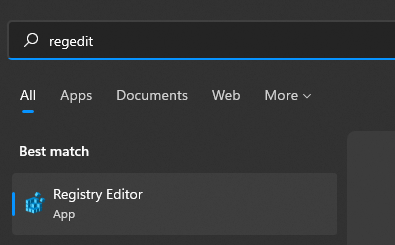
Enter the Registry editor by typing Regedit in the search box:
Navigate to HKEY_LOCAL_MACHINE\SOFTWARE\Microsoft\Windows NT\CurrentVersion\ProfileList:
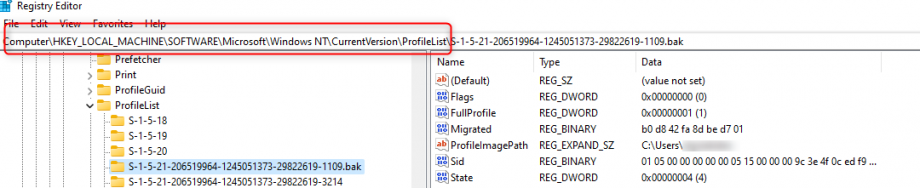
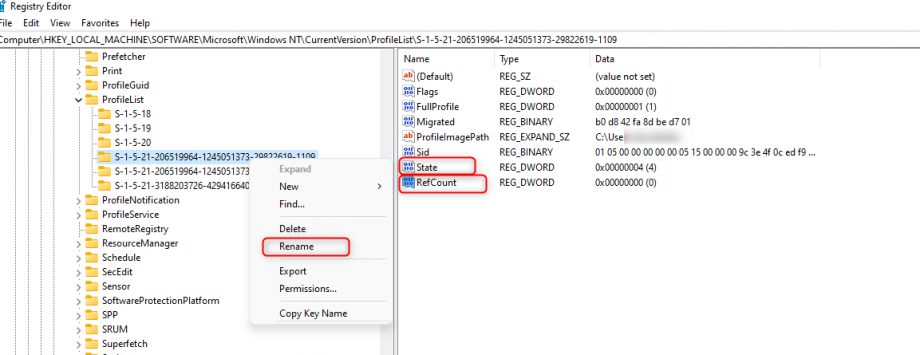
Locate the folder with the .bak extension, right-click, select rename, and remove .bak. Then double click on the State key. and add the value 0. Do the same for RefCount.
Restart the PC.
Leave A Comment?