
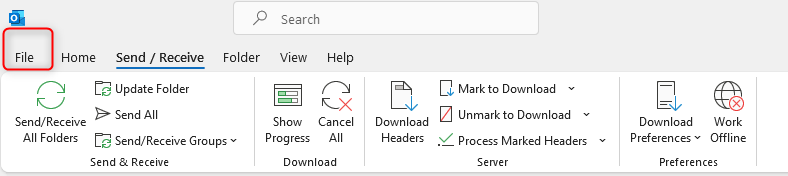
In case the Outlook client is not downloading new emails unless the update folder (screenshot below) is clicked

try the following:
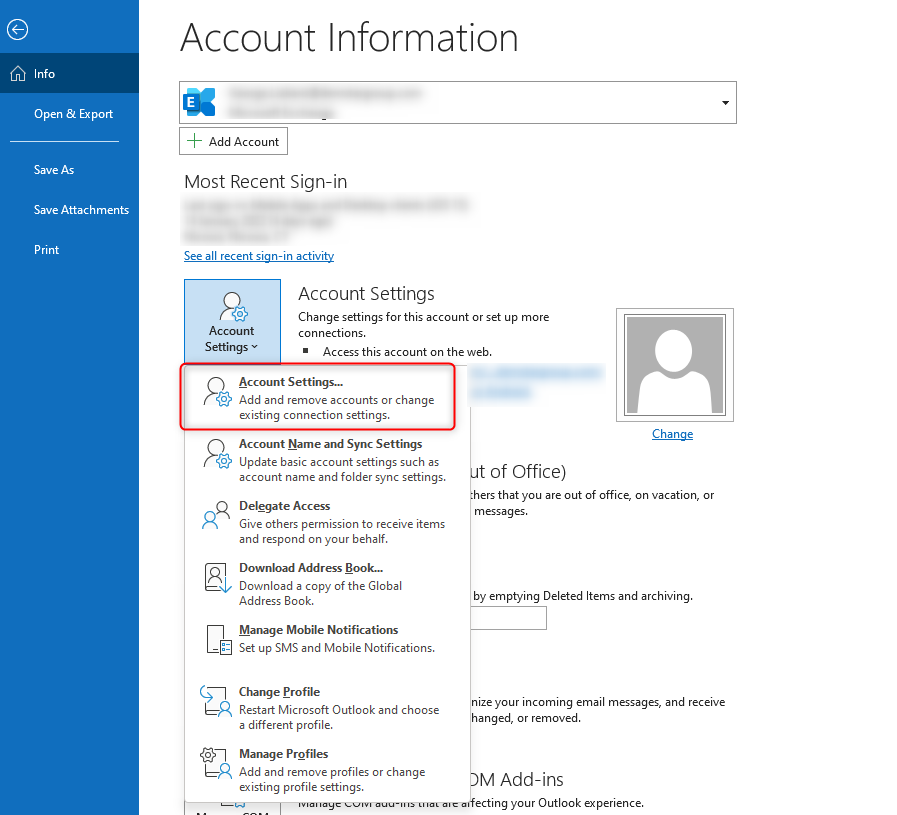
From Outlook client click File -> Account Settings -> Account Settings…
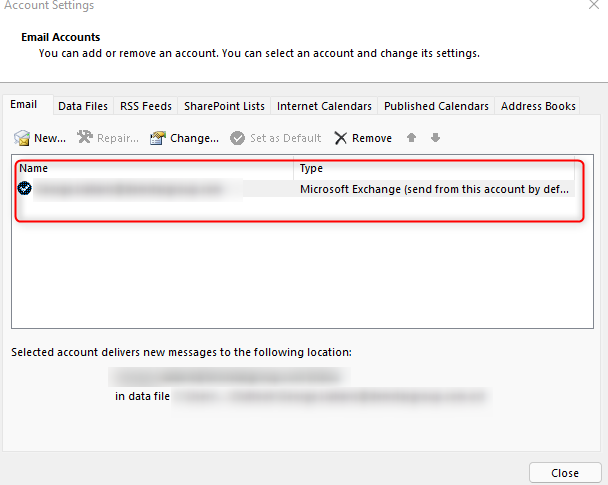
Double click on the name:
Uncheck the below and click next:

Or create a new profile