
Step 1: Go to the Microsoft 365 sign-in page which is office.com and click Sign in:

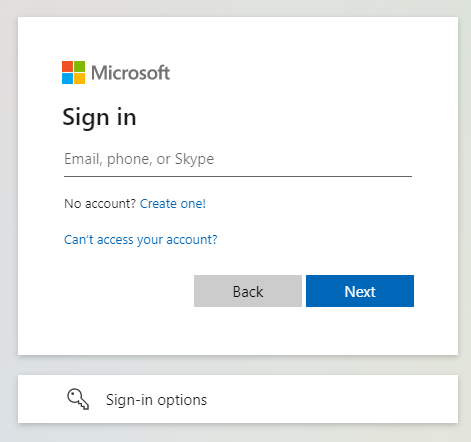
Step 2: Enter the email address, and click Next.
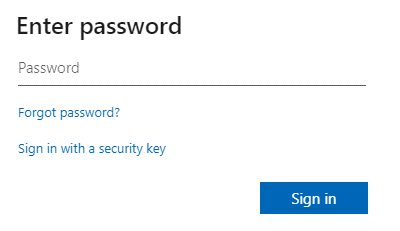
Step 3: Then enter the password for the account and click Sign in.
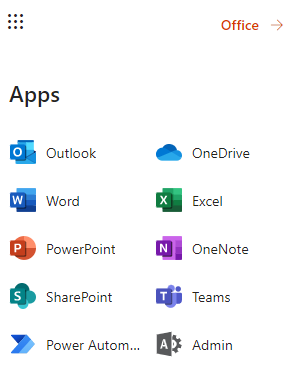
Step 4: The below screen will appear on the left side and choose the application that you want to use.
Leave A Comment?