
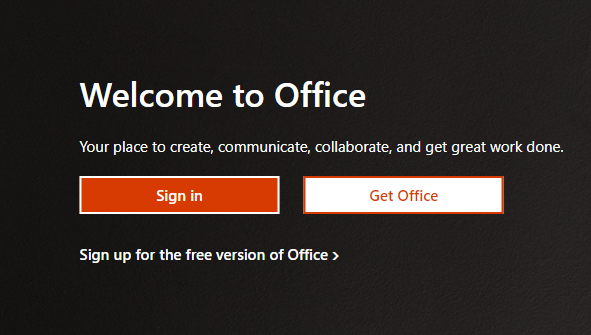
Go to the Microsoft 365 sign-in page which is office.com and click Sign in:
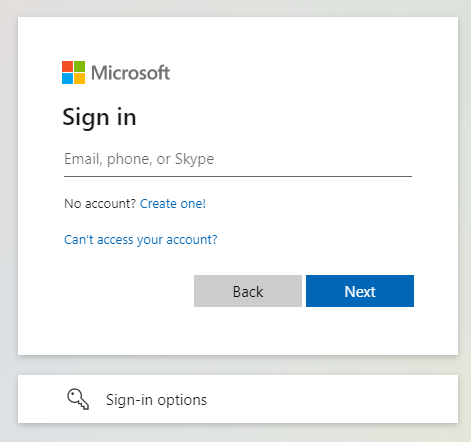
Enter the email address, click Next.
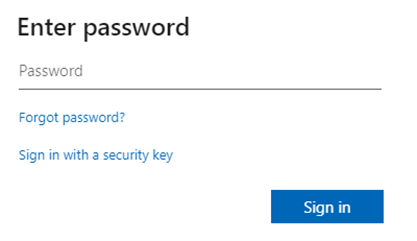
Then enter the password for the account and click Sign in.
The below screen will appear and click next:

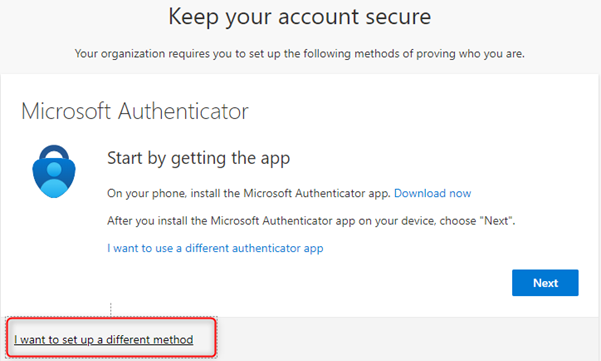
Next, the below screen of the MFA will appear. In our case, there are two ways of using the multi factor authentication. The Microsoft Authenticator or sending SMS to a mobile phone. If you want to use the Microsoft Authenticator, click next and download the app Microsoft Authenticator on your mobile device.
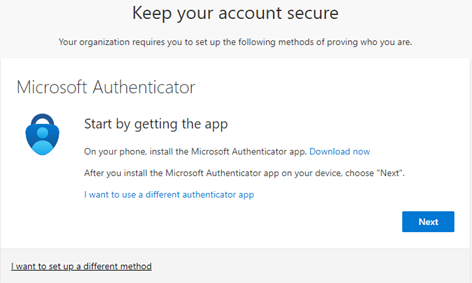
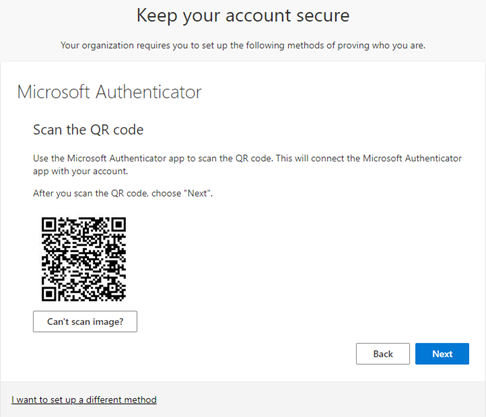
Then open the Microsoft Authenticator from your mobile device and scan the QR code that will appear after clicking next. Use the Microsoft Authenticator app to scan the QR code. This will connect the Microsoft Authenticator app with your account.
If you want to use the SMS authentication method, click on the I want to set up a different method and click next:
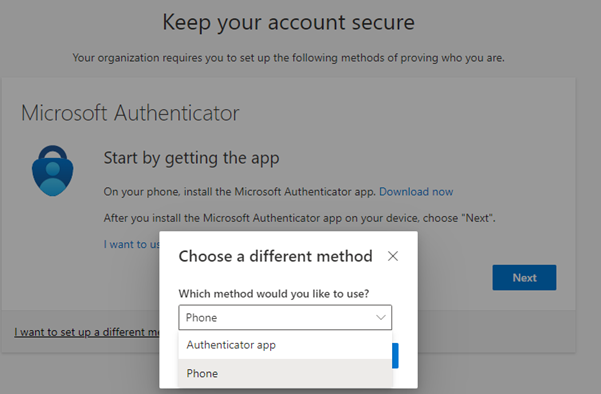
Select phone:
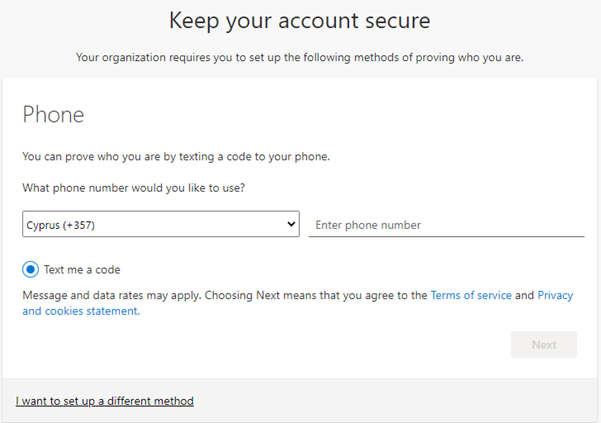
And then add your phone number to receive a code on your mobile device:
Leave A Comment?