
After installing the Microsoft Defender for Identity sensor in Domain Controller you might get the following warning:

To enable NTLM Auditing for fixing the above health issue, follow the steps below :
From the Domain Controller open the Group Policy Management console and find the container of the Domain Controllers. Create (or edit an existing one) a new Group Policy (I named it MDI) and assign it under the Domain Controllers container.
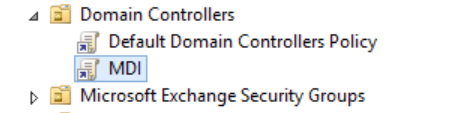
The NTLM settings that need to be modified are in Computer Configuration > Policies > Windows Setting > Security Options :

Find the following:
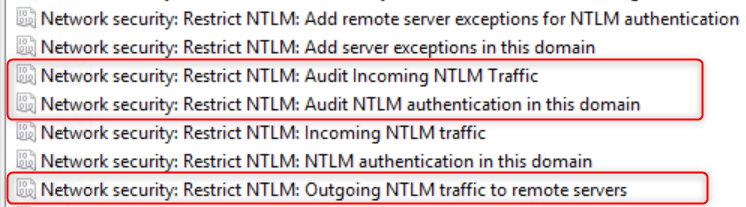
AND modified them as below:

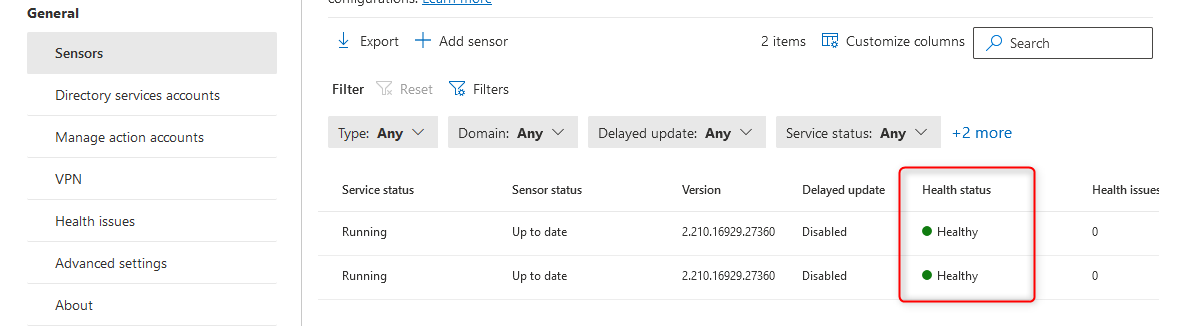
Wait for some time and check the status of the sensor that is healthy:
Leave A Comment?