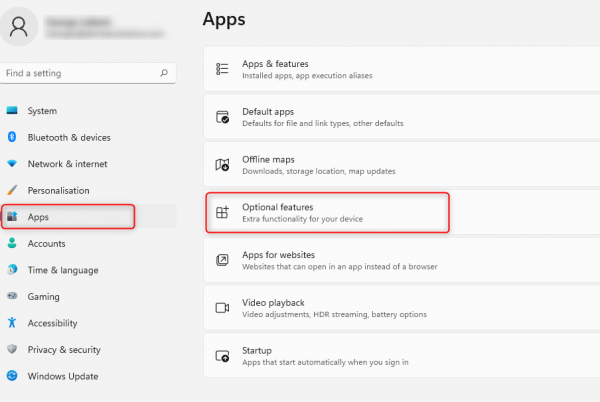
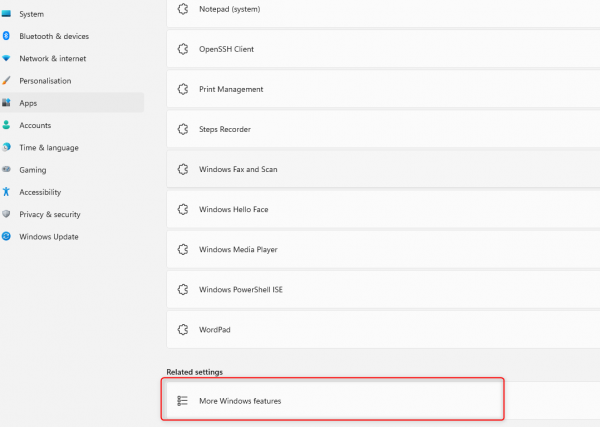
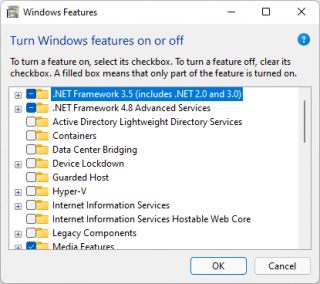
Add Windows Features (Windows 11) Created 27/01/2022 Author GL Category Windows Right-click on Start and click settings: Select Apps and Optional features: Scroll down and select More Windows settings: Windows features window will popup: Was this article helpful? Yes No


Leave A Comment?