
To enable Information Rights Management (IRM) for SharePoint Online, follow the below:
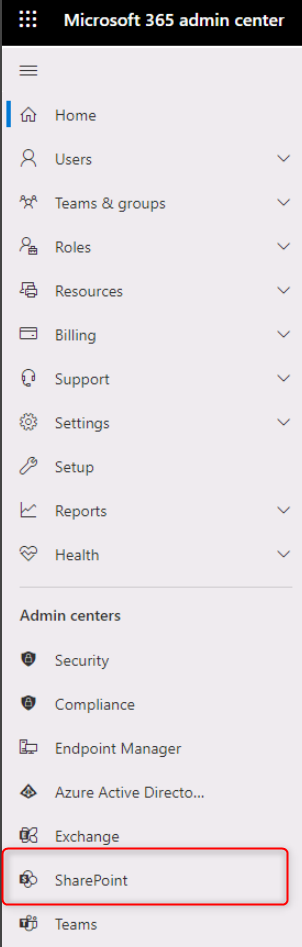
Login to the admin portal (admin.microsoft.com) and go to the SharePoint Online administration center:
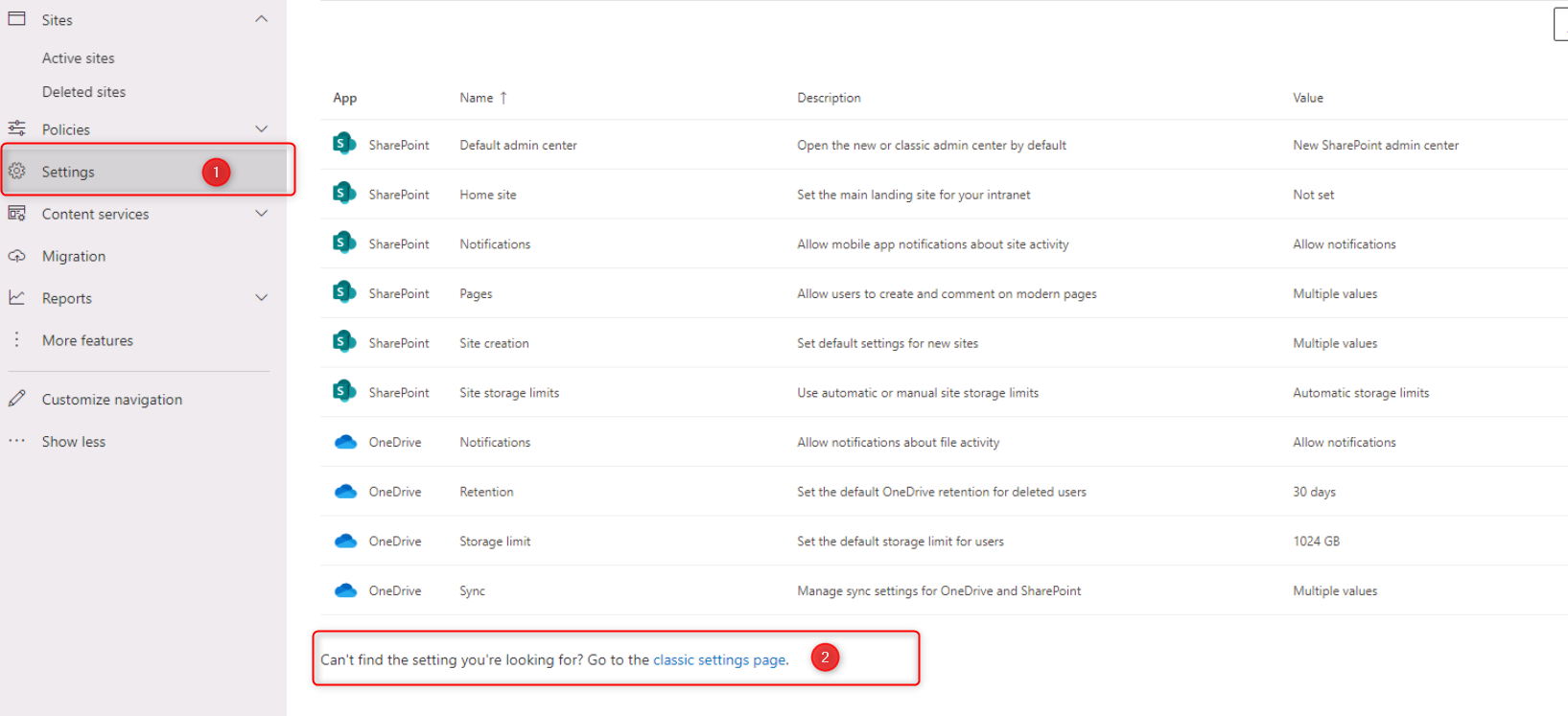
Click on “settings” in the left-hand navigation and then click at the bottom of the page where it says “Can’t find the setting you’re looking for? Go to the classic settings page.”:
Search for the Information Rights Management (IRM), select use the IRM, and then click Refresh IRM Settings.
Then click OK at the bottom of the page.

Once IRM is enabled, you can set IRM policies for individual document libraries or sites within SharePoint Online. These policies can be used to restrict the actions that users can take with protected documents, such as printing, copying, or saving changes.
Leave A Comment?