
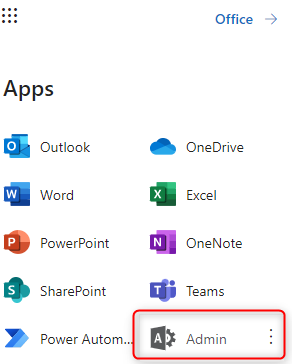
Sign in to portal.office.com as an administrator and navigate to admin portal:
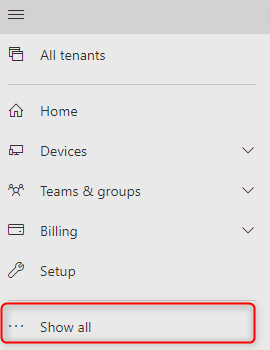
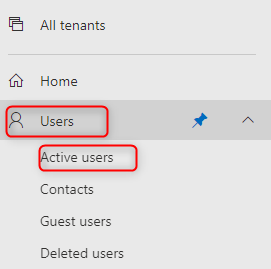
Click Show all and then Users -> Active Users:
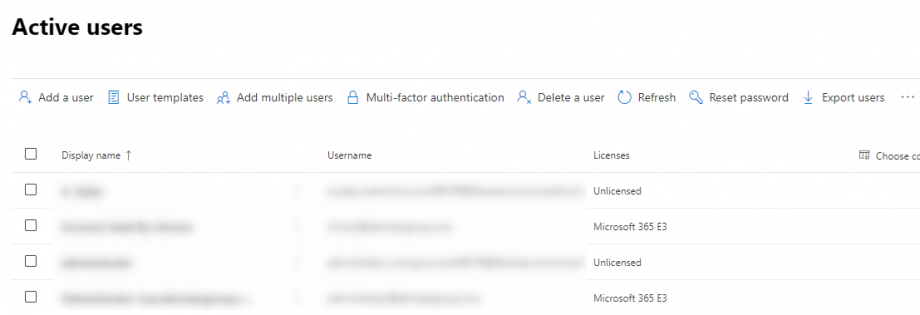
Select the user to be blocked:
Lastly click on the block sign-in, select block this user from signing in and then save changes:


Leave A Comment?